
For cafes, restaurants and delivery
POS system for restaurants, cafes and delivery
Take dine-in, takeaway and delivery orders in one convenient interface. Serve guests faster, reduce mistakes and control sales in real time.


Who is it for?
Fits any type of venue
-
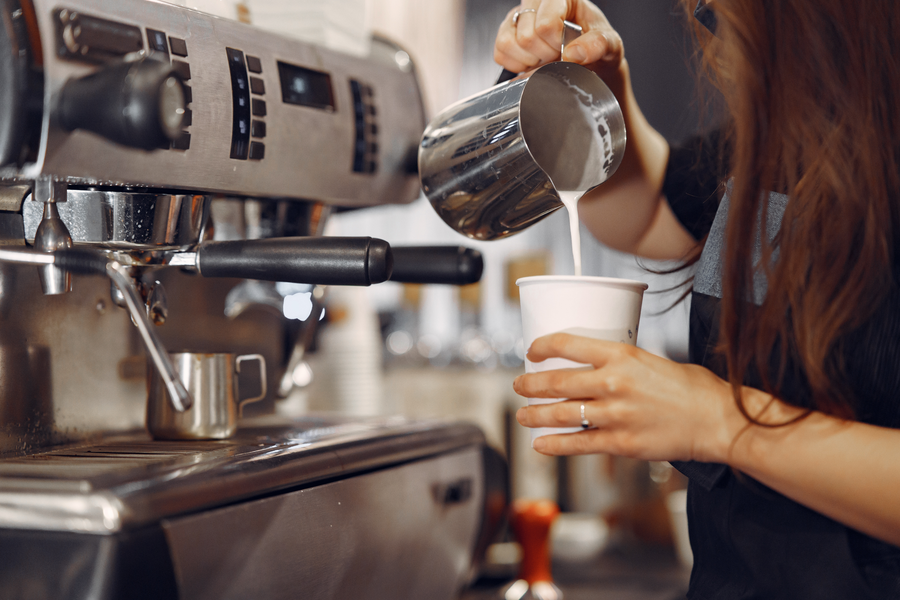
Cafes and coffee shops
fast checkout sales
-

Restaurants
floor, tables and waitstaff
-
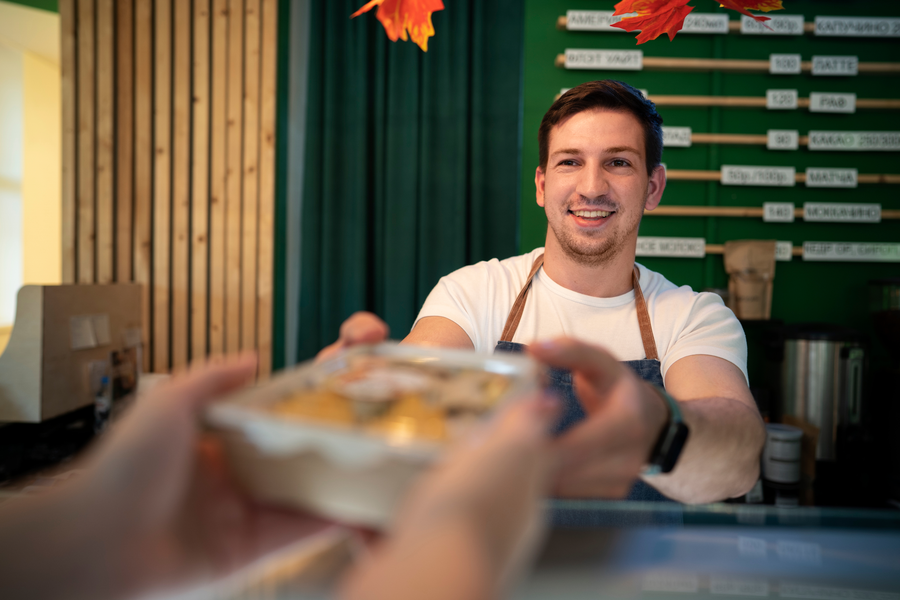
Fast food
high-speed service
-
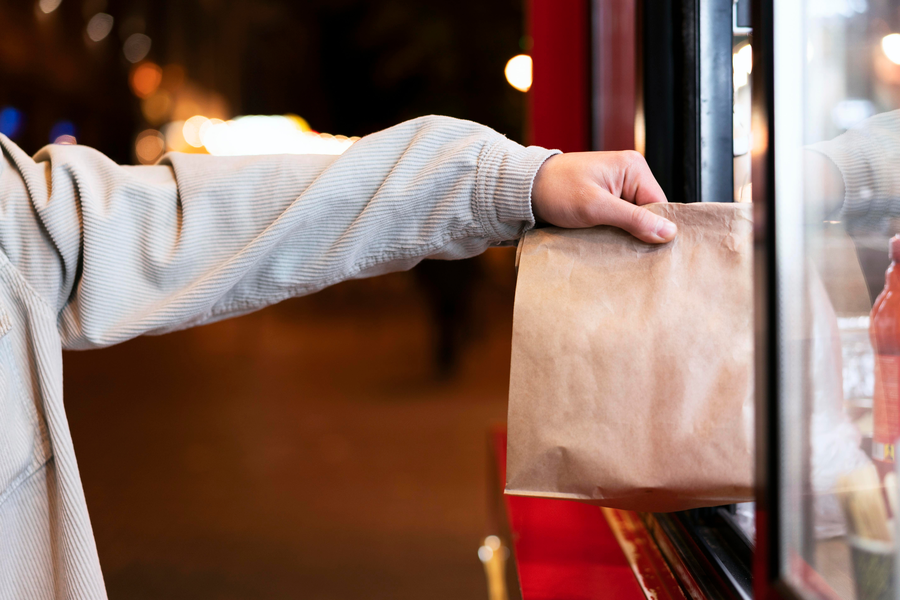
Delivery and takeaway
one flow for every order


What it does
The POS system helps you:

Take orders faster
Add dishes, modifiers and add-ons in a few taps.


Grow the average ticket
Offer extra ingredients, toppings and other add-ons right while placing the order.


Keep accurate product accounting
The system automatically deducts ingredients from stock by recipe after a dish is sold. Staff see live stock levels and react faster.


Manage orders
See all open dine-in, takeaway and delivery orders in one interface — easier status control, load and shift oversight.
Key features

Fast order creation


FAQ about the POS system
Which devices does the POS system run on?
Sell & Buy POS works on iPad and Android tablets. The interface is built for touch: fast taps, modifiers and payments without extra steps.
What happens if the internet drops?
The register keeps taking orders; data syncs when the connection is back. Shifts and sales don't stop because of short network outages.
Is POS linked to CRM, inventory and analytics?
Yes. Orders, payments and recipe-based write-offs go straight into Sell & Buy — inventory, reports and the customer base update automatically.
Try the POS system for free
Get demo access and see how the system helps take orders, manage sales and control restaurant operations.